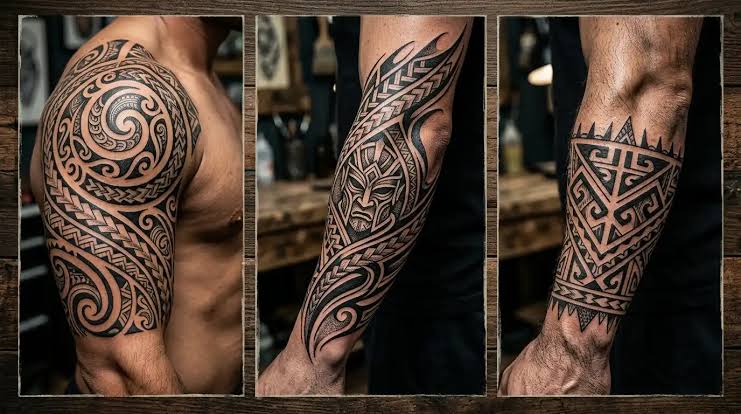
A name tattoo can be a lasting way to celebrate a loved one, honor a family connection, remember an important person, or express an idea that holds personal meaning. However, finding a design that feels unique can be difficult when many ready-made templates look similar. Artificial intelligence offers another approach by helping people experiment with lettering, decorative elements, and different tattoo styles before visiting a tattoo artist.
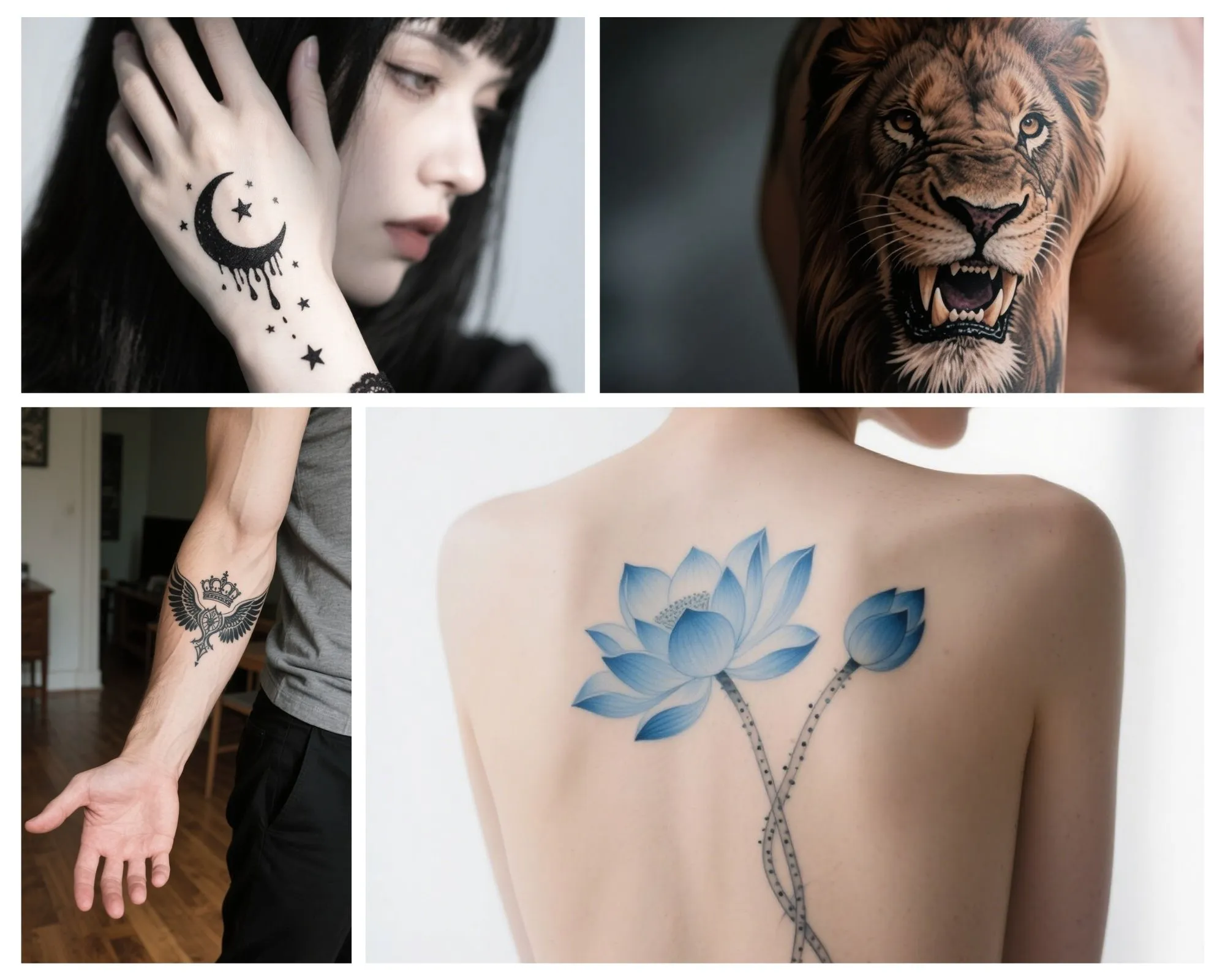
You do not necessarily need to pay for a design application to begin. Many AI image generators provide free access with usage limits, while ordinary design tools can help refine an image afterward. The exact features available may change, so check the current terms of each platform before starting. With a clear idea and a little patience, you can create a personalized name tattoo concept without spending money on the initial design process.
What Is an AI Name Tattoo Design
An AI name tattoo design is a visual concept created with the assistance of an artificial intelligence tool. You provide a description containing the name, lettering style, visual theme, and other preferences. The tool then generates an image based on those instructions.
For example, someone might request the name Emma in elegant script with a small flower beneath the final letter. Another person may prefer a bold uppercase name surrounded by a simple geometric frame. AI can generate several interpretations, making it easier to compare different approaches before choosing one to refine.
However, an AI-generated image is not automatically a professional tattoo stencil. Lettering may be distorted, lines may be uneven, and decorative details may not transfer well to skin. Think of the image as a starting point rather than a finished tattoo design.
Step One. Choose the Name and Meaning
Before opening a design tool, decide exactly what the tattoo should say and why it matters to you. It could be your own name, a child’s name, a partner’s name, a parent’s name, or the name of someone you want to remember. Understanding the purpose helps you choose an appropriate visual style.
Write the name exactly as you want it to appear, including capitalization and any special characters. If the name uses a language or alphabet other than English, confirm the correct spelling and writing direction with a reliable source or a knowledgeable speaker. This is particularly important because correcting a permanent tattoo after it has been applied can be difficult and expensive.
You should also decide whether the name should stand alone or include an additional element. A small heart, flower, star, date, or simple line can make the composition more personal, but too many decorations may reduce readability.
Step Two. Select a Free AI Design Tool
Search for an AI image generator that offers a free plan or free daily credits. Before uploading photographs or creating an account, review its privacy settings, usage limits, and rules for generated images. Some tools require registration, while others allow a limited number of designs without a subscription.
Choose a tool that can generate clean images with a plain background. For tattoo concepts, a simple black design on white is usually easier to inspect than an image placed on a photographed arm. The plain background makes it easier to see the shape of each letter, the spacing between decorative elements, and the overall balance of the composition.
You can also use a basic image editor to crop the result or prepare it for review. Paid features are not always necessary during the brainstorming stage, especially if your goal is simply to compare ideas.
Step Three. Write a Clear AI Prompt
A good prompt tells the generator what to create and what to avoid. Include the exact name, lettering style, tattoo style, decorative elements, ink color, and background. Avoid instructions that are so vague that the generator must guess most of the design.
Here is an example prompt you can adapt.
Sample prompt
Create a custom name tattoo concept featuring the name Sarah in elegant cursive lettering. Use clean black ink, smooth readable letterforms, balanced spacing, and a small fine-line rose beside the final letter. Place the design on a plain white background. Keep the composition minimal, suitable for a small forearm tattoo, with no extra words, no color, and no mockup on human skin.
This prompt defines the most important details while leaving enough room for creative variation. Replace the name and flower with your preferred elements. If you want a bold style, specify strong uppercase lettering. For a subtle design, request thin lines and minimal decoration.
Step Four. Explore Different Lettering Styles
Lettering determines much of a name tattoo’s appearance. Cursive writing can create a flowing, personal look, while serif lettering may feel traditional and structured. Sans-serif lettering often appears clean and modern, and handwritten styles can provide a more casual appearance.
Ask the generator to create separate versions instead of combining every style in one prompt. For example, you can request one elegant script design, one minimalist design, and one bold typography design. Comparing these images will help you identify which style matches your taste.
Do not choose a font solely because it looks attractive in a large image. Examine whether every letter is recognizable and whether the design remains readable at the intended size. Very elaborate lettering may look beautiful on a screen but become difficult to interpret when reduced to a small tattoo.
Step Five. Add a Personal Symbol
A personal symbol can give a name tattoo more context without requiring a long explanation. Flowers may represent affection or growth, while stars can evoke hope or inspiration. A small wave may be meaningful to someone connected with the sea, and a mountain outline might represent an important journey.
These associations are not universal, so choose a symbol based on what it means to you. If the design draws from a religious or cultural tradition, research its significance before including it.
Try placing the symbol beside the name, above the lettering, or subtly within the overall composition. Avoid allowing decorative lines to cross important parts of the name. The lettering should remain the main feature if the name itself is the purpose of the tattoo.
Step Six. Generate Multiple Versions
Your first image may not match your expectations. The generator might misspell the name, add unwanted flourishes, or produce a symbol that looks different from what you imagined. This is normal, and it is one reason to create several alternatives.
Change one instruction at a time so you can see which adjustment improves the result. If the lettering is difficult to read, request simpler typography. If the design looks crowded, remove the decorative border. If the composition feels unbalanced, ask for more space around the name.
Save your preferred versions in a folder so you can compare them later. Looking at the designs after a short break may also help you notice details that were easy to overlook during the initial generation process.
Step Seven. Correct Spelling and Improve the Image
This is one of the most important stages. AI image generators sometimes produce letters that look correct at first glance but contain small distortions. Inspect every letter carefully, including capital letters, repeated characters, and the final character in a cursive name.
If the name is incorrect, try generating it again with fewer decorative elements. Another option is to create the lettering separately using a font editor and then arrange it with a simple symbol in an image editor. This approach can be more reliable when exact spelling matters.
Keep the original image and any edited versions. Do not assume that a visually attractive result is ready to be transferred directly to skin. The final design needs to be clear, technically practical, and suitable for the chosen placement.
Step Eight. Prepare the Design for a Tattoo Artist
Once you have selected a favorite, show the image to a professional tattoo artist. Explain what you like about it and identify the elements that must remain unchanged. The artist can redraw the letters, correct irregular lines, adjust the spacing, and prepare a stencil that works with the body’s natural contours.
Ask whether the details will remain clear at your intended size. Thin lettering and tiny decorative elements may need to be enlarged or simplified. A design that works on the forearm may require different proportions for the wrist, finger, ankle, or shoulder.
Also discuss placement, expected healing, aftercare, and how sun exposure or friction might affect the tattoo. Follow the artist’s hygiene and aftercare guidance rather than relying solely on general online advice.
Can You Create a Name Tattoo Design Completely for Free
You can often create an initial concept at no cost by using free AI credits and free editing software. However, free access may come with restrictions on image quality, daily generations, downloads, or commercial use. Read the platform’s current terms before relying on a particular feature.
The design process and the tattooing process are separate expenses. Even if the concept is free, professional tattooing still involves the artist’s time, equipment, hygiene procedures, and skill. Trying to apply a tattoo yourself to save money can create serious health risks, so use a qualified professional.
Common Mistakes to Avoid
One common mistake is accepting the first result without checking the spelling. Another is adding too many decorations until the name becomes difficult to read. Some users also choose a design based entirely on current trends without considering whether they will still appreciate it years later.
Avoid copying culturally significant designs without understanding their meaning. Do not upload private photographs or personal information to a generator unless you are comfortable with its privacy practices. Finally, do not treat AI as a substitute for an artist’s technical judgment.
Conclusion
Creating a custom AI name tattoo design for free is a practical way to explore lettering styles and personalize an idea before making a permanent decision. Start with the exact name, choose a free generator, write a detailed prompt, and compare several versions. Check every letter, keep the composition readable, and use a professional tattoo artist to refine the final artwork. With thoughtful planning, a free AI concept can become a useful foundation for a meaningful and well-designed tattoo.